
A QR code for your wedding photos.
Guests scan, snap and upload from their phone - no app, no sign-up. Every photo lands in one private album you can access anywhere, anytime.
Free to start - 40 guest photos, 30 days. Upgrade to Premium any time.
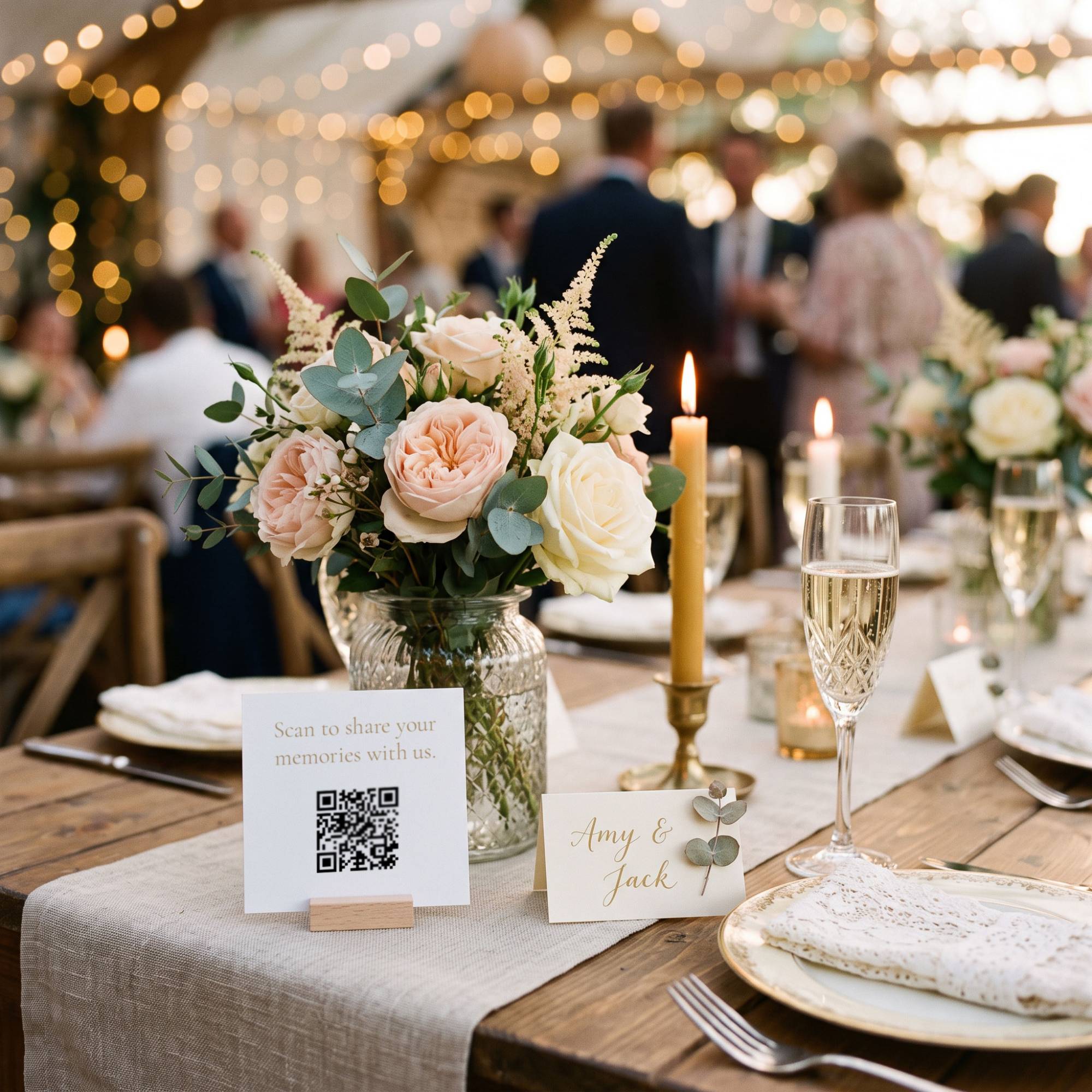
Why use a QR code for wedding photos?
Your photographer captures the moments you plan for. Your guests capture the ones you don't - the laughter at table six, the dance floor, the toast from the back of the room.
Candid moments from every table
Everyone is holding a phone anyway. A QR code gives them one simple place to share what they caught.
No app, no sign-up
Guests scan the QR code and upload straight from their browser. If they can scan a QR code, they can share a photo - from grandparents to the groomsmen.
One private album
Every photo arrives in one private gallery, organised and ready to download - not scattered across group chats and camera rolls.
How to collect wedding photos with a QR code
01
Create your wedding event
Set it up in minutes and add your names and colours. Every event starts free.
02
Print or display your QR code
Download your QR code and print it yourself - on a welcome sign, table signs, programmes or posters - or show it on a screen. GuestRoll doesn't supply printed cards.
03
Collect and keep your photos
Photos arrive in your private gallery as guests upload them. Download everything at full resolution when you're ready.
Built for weddings
Your names and colours
A personalised capture page, so guests land on something that looks like your day.
You stay in control
Switch on moderation to approve each photo before it goes live, or leave it off for a live feed.
Full-resolution downloads
Download your whole gallery in one go - no watermarks, no compression.
Live slideshow Premium
Put guest photos on the big screen at your reception as they arrive.
Guestbook and video guestbook Premium
Guests leave written messages or record a short video for you to download after the day.
Guest quiz Premium
Write fun questions for your guests to answer.
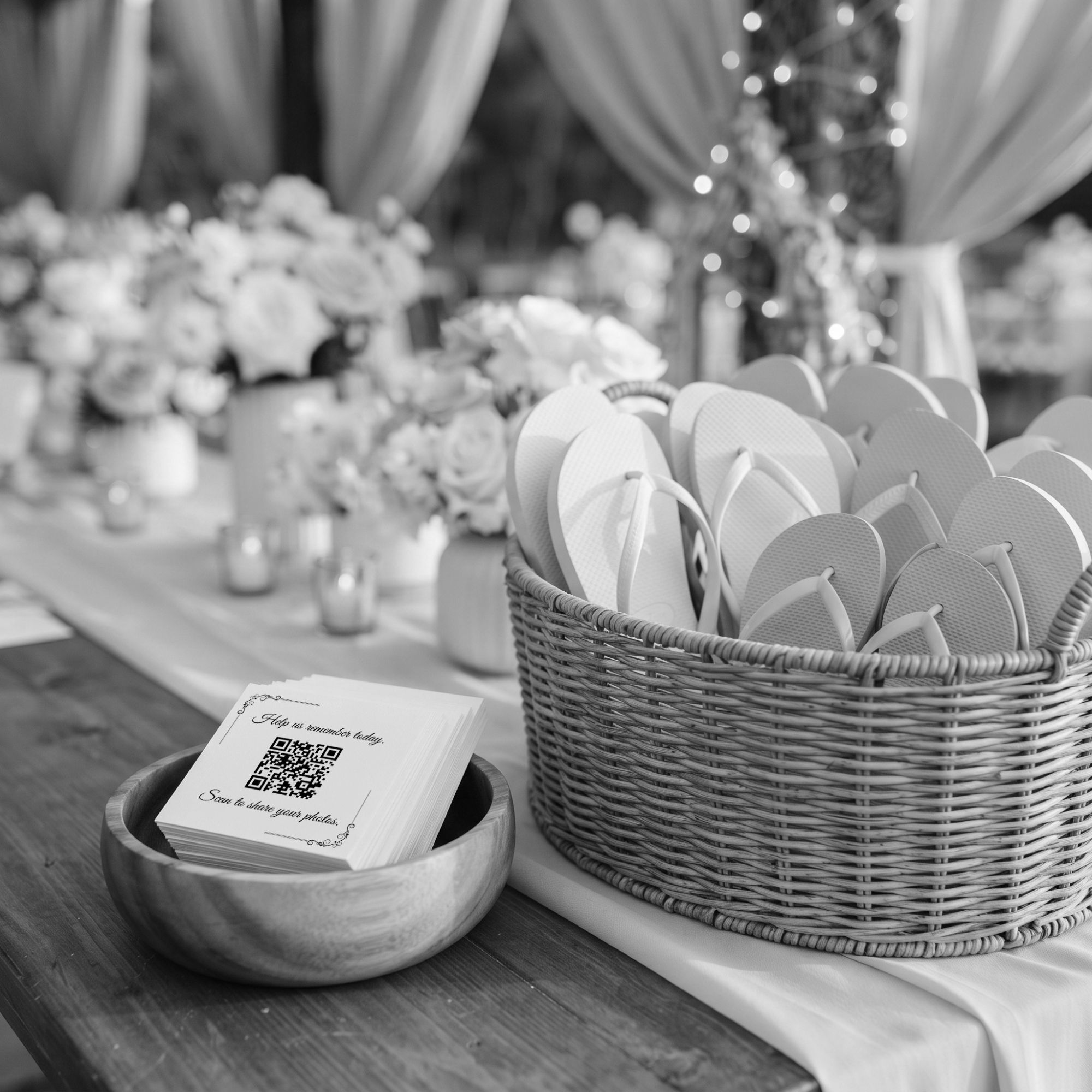
Where to put your wedding QR code
A QR code only works if guests see it, so put it where they already look.
- A welcome sign at the entrance to your ceremony or reception
- Table signs or cards on every table
- Your order of service or programmes
- The guestbook table or the bar
- On a screen during the speeches or the evening
Free to start. Premium when you want more.
Free
£0
40 guest photos and 30 days to upload and download. Shareable QR code and full-resolution downloads included.
Premium
£24.99 per event
Unlimited guest photos, 90 days to upload and download, live slideshow, guestbook, video guestbook and guest quiz.
Wedding photo QR code questions
Ready to collect every wedding photo?
Set up your wedding album in minutes. Your guests will thank you.